
A homeowner in University Place finds a kitchen in a contractor’s gallery that looks close to what they want. They can see the finished room. They still need to know what the contractor actually did: the whole remodel, the cabinets, the tile, or the photography.
A useful project page answers that question early. It connects the finished appearance to the customer’s starting brief, the work performed, and the decisions behind it. That gives someone more to consider before they ask about their own project.
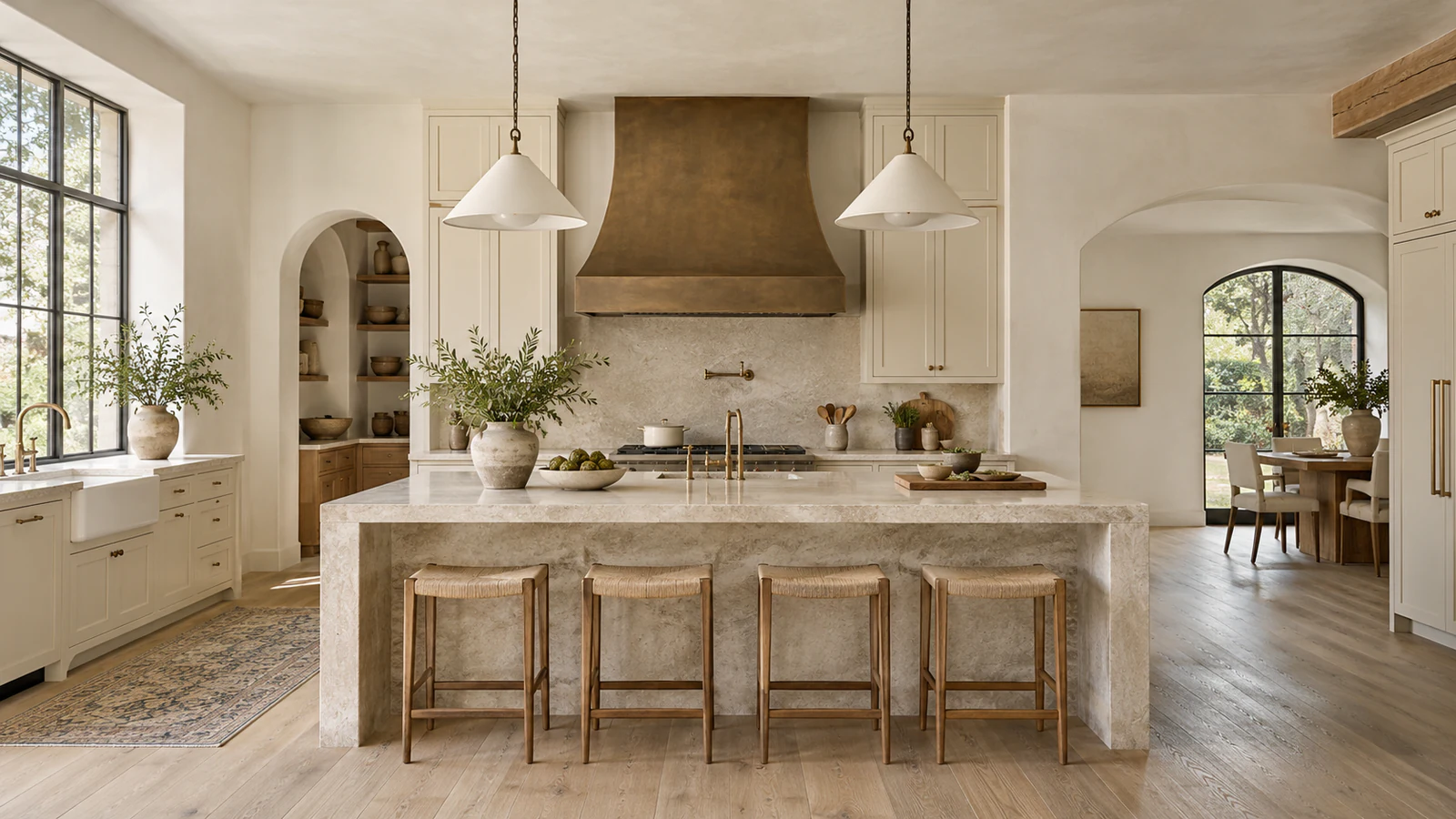
Here is a practical way to assemble that page. The kitchen examples are hypothetical writing exercises. The cover is an AI-generated illustration from Umanifest’s fictional Northline demonstration, not evidence of a completed construction job.
Introduce the job and your role together
Give the page a specific title, then explain the work in a short opening paragraph. Include the type of property, the part of it that changed, and your business’s role. Use a general location only when accurate and appropriate to share.
For example, a hypothetical cabinet installer might write: “We installed the kitchen cabinetry and island panels for this residential remodel. The homeowner worked with a separate designer, and other trades handled lighting and plumbing.”
That introduction tells a future customer what they can reasonably ask the installer to do. A headline such as “Kitchen cabinetry installation” can be more useful than “Another amazing transformation,” especially when the contractor handled one part of a larger job.
Before publishing, have the person who knows the job check the scope. Credit the designer, photographer, general contractor, or specialist where relevant, using confirmed names and agreed attribution.
Explain the starting brief and the important constraint
Describe what the customer wanted to change and one condition that shaped the work. That condition might be keeping the existing layout, matching adjacent cabinetry, or coordinating installation around other trades. Use the job record to establish what happened.
A helpful project note can be brief: “The brief called for more pantry storage while retaining the existing appliance positions.” Follow it with the actual approach, if confirmed. Explain what was retained, what was replaced, and why that choice mattered to the brief.
Leave out a dramatic backstory if you do not have one. You can explain a finish selection or an installation detail without claiming that the old room was unsafe, that the customer was unhappy, or that the project raised the property’s value.
Give each photograph a job
Choose photographs around the questions someone needs answered. For a remodel, a useful editorial sequence is:
- Starting condition: an available, relevant photograph that shows the original layout or detail.
- Work in progress: a view that helps explain the contractor’s contribution, when appropriate to publish.
- Completed space: a wide view that makes the finished arrangement understandable.
- Specific detail: a closer view of the material, joinery, fixture, or finish discussed in the text.
This sequence is a writing and design recommendation, not an industry requirement. You may have only finished photographs. Say what they show and explain the starting brief in text; do not manufacture a “before” image to fill the gap.
Use comparable angles when presenting a before-and-after pair, and label the stages. Avoid a crop that hides the feature you are discussing. Check that you have permission to publish the photographs and remove private details such as visible paperwork or an identifying house number where appropriate.
Write captions that add project context
A caption should help a visitor understand why a photograph is on the page. “Finished kitchen” identifies the scene. “Completed cabinetry installation, with full-height storage beside the refrigerator” explains the relevant feature, if that is what the verified image shows.
Keep claims tied to evidence. A photograph can show a cabinet arrangement. It cannot establish a permit approval, a warranty, the customer’s satisfaction, or a measured improvement in energy use. Add those details only when separately confirmed and suitable to publish.
Google’s image guidance explains that surrounding page content, captions, and alt text help it understand an image. Put the relevant explanation near the photograph. A string of Tacoma, Pierce County, and service keywords will not explain the work to a prospective customer.
Describe the meaningful visual information in alt text
Alt text and visible captions have related jobs. A caption can explain the project context; the text alternative should communicate the meaningful information conveyed visually in that setting. W3C’s informative-image guidance emphasizes that the right description depends on the image’s purpose and surrounding content.
For a hypothetical cabinet detail, an appropriate description might be “Full-height pantry cabinets beside the refrigerator, with drawers below the counter.” Use it only if those features are visible. Do not guess the wood species, price, or construction method from appearance.
Review a gallery one image at a time. W3C’s guidance on image groups distinguishes collections where each image carries its own information from groups conveying one shared idea. A starting-condition photograph and a finished-room photograph usually communicate different information; repeating “kitchen remodel” for both loses that distinction.
Make the page useful beyond the photographs
A visitor should be able to read the page and understand the work even when an image loads slowly. Keep the scope and project explanation in ordinary page text. Give image links understandable names and check that any gallery controls work with a keyboard.
Ask the developer to use discoverable HTML images for meaningful project photographs, with appropriate dimensions and responsive sizes. Google’s image guidance recommends standard image elements and says it does not index CSS background images. Check the finished page on a phone: are the details visible, the captions readable, and the inquiry action easy to reach?
Google’s helpful-content guidance asks whether a page supplies original information and demonstrates relevant experience. Your verified project decisions are the substance here. Write enough to explain them; Google explicitly says it has no preferred word count.
Connect the story to the right next step
Link the project to the service it demonstrates. A cabinetry job should lead naturally to the relevant installation information, rather than leaving a visitor to search the whole site. Close with an invitation that matches what your business actually offers.
For a contractor serving Tacoma and nearby communities, that might be a project inquiry asking what work the customer is considering and where it is located. Keep the geographic claim consistent with the real service area. Our contractor inquiry-form guide covers the questions to ask after someone decides to contact you.
Start with one real job. Gather its confirmed brief, your scope, approved photographs, collaborator credits, and any details still needing verification. Draft the project story from those materials. Umanifest’s construction website design approach brings that content into the service pages, visual presentation, and inquiry path a customer uses to decide whether to get in touch.
Sources & further reading
- Google Search Central: image SEO best practices
- W3C: informative images
- W3C: groups of images
- Google Search Central: helpful, reliable, people-first content
Published by Umanifest with AI-assisted research and writing. External standards and tools can change; sources are provided so you can check the current guidance.