
You can explain where your business works without creating a nearly identical webpage for every nearby city. Start with the services customers need and accurate coverage information. Add a separate location page when you have something useful and specific to tell the people reading it.
For a small business serving Tacoma, University Place, and other parts of Pierce County, that decision affects the website’s organization and the work needed to keep it accurate. Ten new URLs also mean ten pages to review when a service, contact method, or coverage boundary changes.
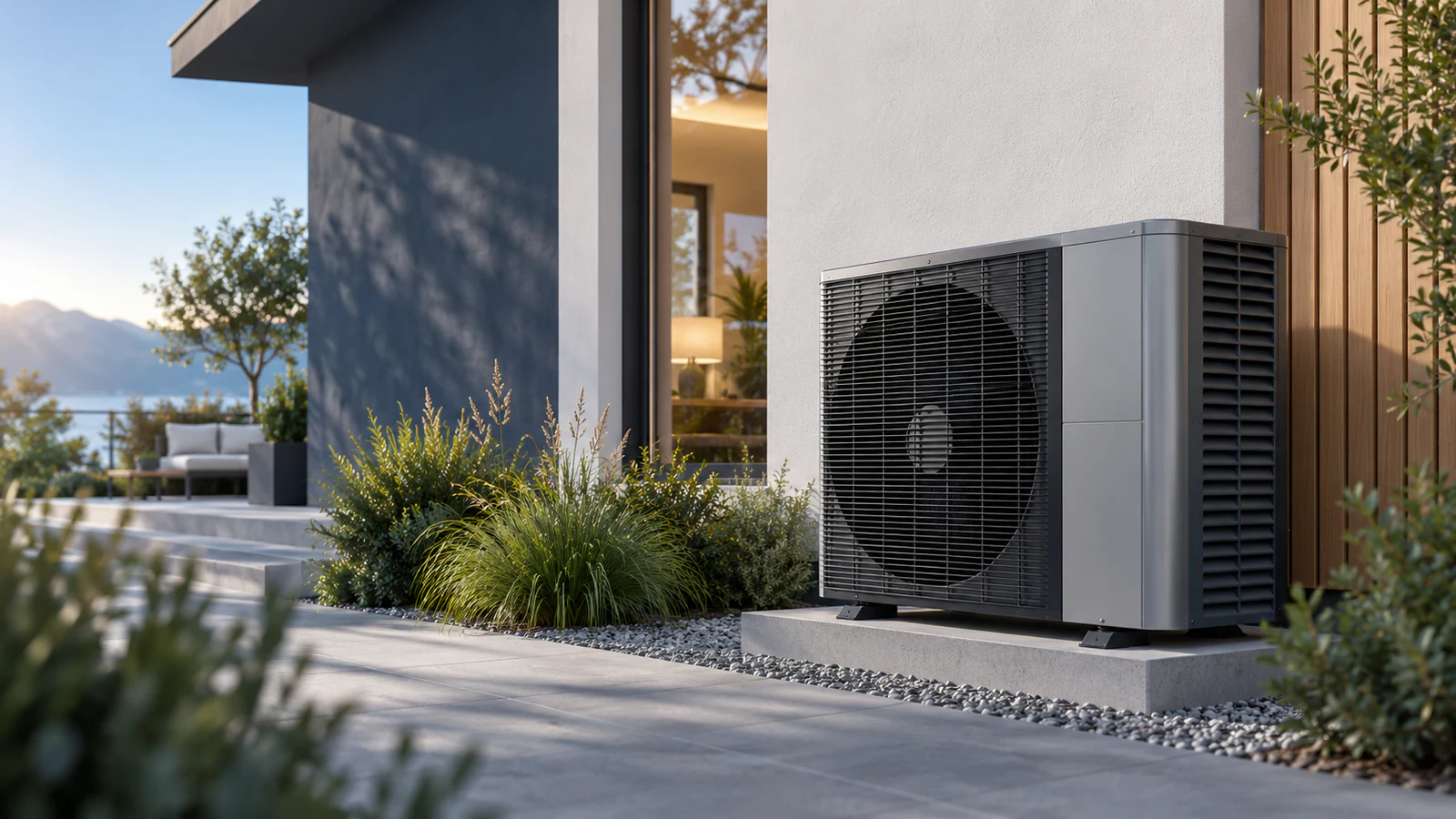
The examples below are hypothetical planning exercises, not descriptions of Umanifest clients or promises about search rankings. The cover is an AI-generated illustration from our fictional Aerion website demonstration, not a completed HVAC installation.
Choose the simplest structure that answers the customer’s question
A service-area section, an area directory, and a location page do different jobs. Choose based on what a visitor needs to understand.
A section on a service page can be enough when the service and inquiry process are the same across a manageable area. A hypothetical house-cleaning business could describe its cleaning services, state the places it actually accepts work, and explain how to check an address near the boundary.
A service-area directory can help when customers need an overview of several areas or different service availability. Keep it readable. Group confirmed coverage logically and link to relevant services, rather than presenting a wall of repeated search phrases.
A separate location page can make sense when it answers questions the other pages do not. A business might have a real customer-facing branch, a distinct service available in one area, or substantial local work to explain. Confirm those facts before deciding that the page needs its own address on the website.
These are editorial choices. A business does not earn a useful page simply by finding another city name to place in a heading.
Understand what Google’s doorway guidance actually addresses
Google’s spam policies describe doorway abuse as pages made for similar searches that act as less-useful intermediaries. The examples include city or regional pages funneling visitors to one page and substantially similar pages outside a useful browsing hierarchy.
That does not mean every city page is prohibited, or that using one contact form across a website makes its pages doorways. Look at the purpose and usefulness of each page. Can the customer understand the relevant offer there, or must they click elsewhere to find the information the page appeared to promise?
The same policies address scaled content produced mainly to manipulate rankings with little value for readers, regardless of how it is made. Replacing city names across a large batch of generic pages does not supply local experience or answer a new customer question.
Try the city-name test before creating the URL
Take the proposed page and temporarily remove the place name. Read what remains. Could the same copy appear unchanged under every other city heading?
If so, identify the reason for a separate page before writing more. This is a practical editing test, not a Google rule or a numerical score. A shared design and some repeated service information are normal; the question is whether this particular destination has a useful job.
Imagine the cleaning business offers the same residential service in Tacoma and University Place. One clear service page with honest coverage may answer the customer’s questions. Adding descriptions of local parks would make the text different without explaining the cleaning service any better.
Now imagine that business also has a real office where customers can attend consultations by appointment. A page explaining that office’s actual location, visit arrangements, and available services could answer a different need. Those details must come from the business, not assumptions made by the writer.
Gather evidence for the page you are considering
Before approving a location page, write a short content brief:
- Which service can a customer actually request in this area?
- What question does this page answer that the main service page does not?
- Which confirmed details or approved project examples support the explanation?
- Where should someone go next, and what can they expect from that action?
- Who will check the page when coverage or operating arrangements change?
If the answers are mostly blank, keep the location in a truthful coverage section while you gather the missing information. Do not invent an office, local team, travel fee, response time, or customer story to make the page look established.
An HVAC business, for example, might have useful records of work it can discuss with permission. A project story can explain that work and link to the appropriate service. It does not need to become a generic city page to be useful.
Google’s people-first content guidance asks whether content provides original information and demonstrates relevant knowledge. It also says Google has no preferred word count. Write enough to answer the actual question; a length target cannot supply missing business facts.
Keep Business Profile settings separate from website planning
Google Business Profile has its own service-area settings. Eligible service-area and hybrid businesses can specify cities, postal codes, or other areas, with up to 20 entries. That setting is not a requirement to create 20 website pages.
Keep the website and any eligible profile consistent about where the business actually works. A website’s coverage section does not establish a physical branch, verify a Business Profile, or guarantee visibility in Maps.
If you are unsure whether an address or service belongs in the profile, check the current Google guidance and the business’s actual operating model. This article is about organizing website content; it does not confirm any particular business’s profile eligibility or verification.
Make useful pages easy to find
A visitor should be able to browse from a service to the coverage information relevant to it. If you create a substantial location page, include a sensible link from an existing page rather than leaving it reachable only through search.
Google’s link guidance recommends linking to important pages and using descriptive link text. A label such as “Consultations at our Tacoma office” tells someone more about the destination than “Learn more,” provided that office and service are real.
Review the navigation on a phone too. A short coverage explanation can be easier to use than a long footer of nearly identical links. Keep the service details and contact action available without making a customer work through a city directory first.
Review existing pages before adding another batch
Make an inventory of your current location pages. Note the purpose, confirmed facts, useful links, and date of the last factual review for each. Improve a page that has a clear purpose but incomplete information. Where several pages answer the same question, discuss combining their useful content with the person maintaining the site.
Plan URL changes before removing anything. Existing links may still lead customers to those pages. A content review is a reason to make a deliberate update, not to delete every location page at once.
For the next five places you are considering, write one customer question beside each name. If the answer is the same across all five, begin with a shared coverage explanation. Bring that list into an SEO and website content discussion so the next page has a clear reason to exist.
Sources & further reading
- Google Search Central: spam policies, including doorway and scaled content abuse
- Google Search Central: helpful, reliable, people-first content
- Google Business Profile: managing service areas
- Google Search Central: link best practices
Published by Umanifest with AI-assisted research and writing. External standards and tools can change; sources are provided so you can check the current guidance.