
The new website looks better. The next question is what you want it to help the business do, and what evidence would let you review that fairly.
For a service business in Tacoma, University Place, or elsewhere in Pierce County, more page views can be useful without answering the question that matters most. Did suitable customers understand the service and take the next step? Did anyone at the business receive and handle their requests?
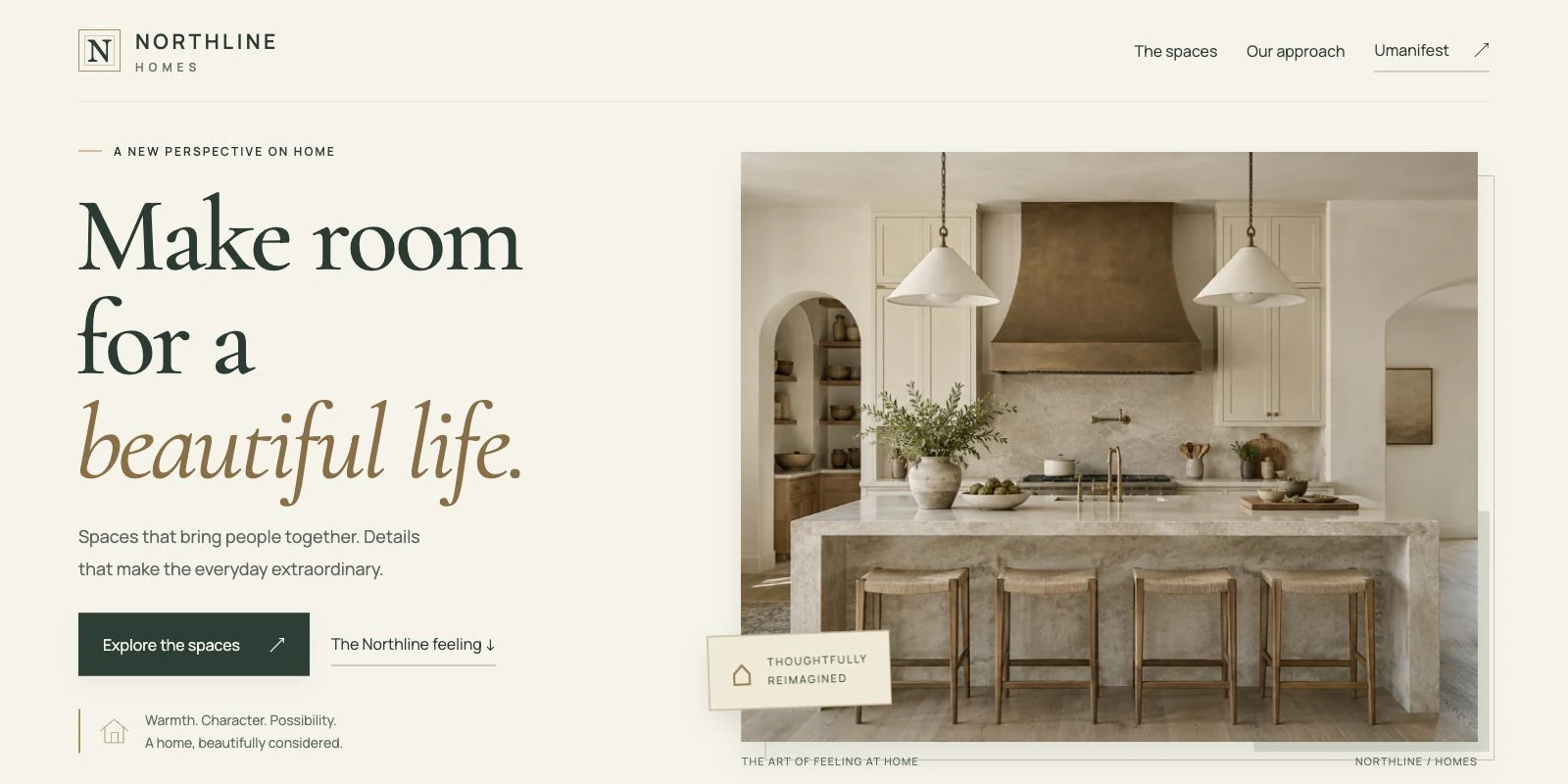
Write the measurement plan before changing the pages. Keep the definitions small enough that the owner and designer can explain what every number counts. The cover shows Umanifest’s fictional Northline Homes demonstration, used as a design illustration. It does not show a client analytics report or measured business results.
Choose a business question before a report
Start with one question tied to the work being changed. A hypothetical landscaping company might ask whether its service pages help people request the kind of projects it actually handles. A barbershop might ask whether customers can reach the right appointment page and complete a booking through its existing provider.
Those questions need different evidence. The landscaper needs a way to review inquiry fit. The barbershop needs booking-provider records as well as evidence that people reached the provider. Clicking an appointment link alone doesn’t establish that an appointment was reserved.
Write down the owner’s definition of a useful result, where it can be checked, and who will review it. Don’t invent a target percentage because a proposal needs a number. Establish what the current records can support first.
Separate search visibility from website actions
Search Console’s definitions distinguish impressions, clicks, click-through rate, and average position. They describe activity on Google’s search surfaces. They don’t count completed inquiries, appointments, or customers.
Use those reports to ask whether relevant pages are being seen and clicked in search. Record the selected search type, pages, device filters, and dates with the numbers. An average position is a summary of recorded search appearances, not a fixed place every prospective customer will see.
If search clicks rise while suitable inquiries stay flat, that is a reason to investigate the pages and the audience being reached. It isn’t enough evidence to blame the contact form or declare the redesign a success. Review each part of the route separately.
Keep the units beside the numbers
A page view, a session, and a user are different reporting units. Google Analytics’ metric definitions count repeated page or screen views in Views, while Total users and Event count have their own definitions. A chart labeled “visitors” needs more explanation if its source actually counts page views.
Give each measure a plain-language definition:
- Search clicks: Recorded clicks from the selected Google search report. These don’t represent all visits from every source.
- Page views: Recorded displays of pages under that measurement setup. These don’t count distinct people.
- Contact-link clicks: Someone activated a call, text, or email link. That doesn’t establish a completed conversation or sent message.
- Saved inquiries: Requests accepted into the defined inquiry record. That doesn’t establish whether the request fits the business.
- Confirmed bookings: Reservations recorded by the actual booking system. That doesn’t establish whether the appointment later took place.
These definitions are a starting point for a review, not a requirement to install one particular analytics product. Ask which measures your current tools genuinely support. Leave unsupported fields blank instead of filling them with assumptions.
Define the action that deserves to be counted
Google’s key-event guidance explains that a specific action needs an event representing it. Its lead-form example distinguishes a particular form from generic form submissions. A reporting label still depends on what the implementation actually detects.
If the intended result is a received inquiry, ask the developer what happens when validation fails, the connection drops, or someone retries. An event attached to every press of Send would count a different action from an accepted request. Our inquiry-confirmation guide covers that distinction from the visitor’s side.
Umanifest’s current website separates aggregate contact-link clicks from a server counter recorded when a project inquiry is stored. Those counters don’t establish completed calls, qualified projects, or sales. This describes the measurement design; it is not a report of Umanifest’s results or a claim that every client uses the same setup.
Save a baseline with the conditions attached
Before launch, save the available reports for a defined period, with their filters and definitions. Note the time zone and whether the period contains complete days. Record the pages and contact routes that existed at the time.
Keep a short change log beside the baseline. Include the launch date, changed page addresses, new service explanations, form changes, and any change to the measurement setup. Also note advertising, special promotions, business closures, or changes in what the team can take on.
Google’s traffic-investigation guidance recommends comparing similar periods and looking at patterns across pages, devices, and queries. It also explains that seasonality and changing demand can affect traffic. A Pacific Northwest seasonal service should review that context before attributing every movement to its new design.
Choose the review period to fit the available activity. A quiet week may contain too few inquiries to support a useful conclusion. Keep checking the underlying customer tasks while the longer comparison develops.
Read small counts without turning them into a promise
Imagine an owner records these inquiry outcomes using the same definitions in two comparison periods:
| Hypothetical record | Before | After |
|---|---|---|
| Saved inquiries | 18 | 24 |
| Inquiries matching the agreed project criteria | 6 | 5 |
| Projects the owner confirms were booked | 3 | 2 |
These invented counts illustrate a review question, not a client result or an expected benchmark. More recorded requests have arrived, while fewer meet the agreed criteria or become booked work. The owner should examine the service message, inquiry sources, capacity, and follow-up before deciding what to change.
Keep the counts visible beside any rates you calculate. A small change in a small sample can produce a large-looking percentage. A before-and-after report alone also doesn’t prove the redesign caused the difference.
Record what the reports cannot see
Different tools have different coverage. Google’s performance-data explanation describes privacy-filtered queries and reporting limits. Adding visible query rows may not reproduce an unfiltered chart total.
Browser measurement can also miss activity because of preferences, blocked scripts, or failed requests. Umanifest’s browser counters don’t send measurement events when Do Not Track or supported Global Privacy Control is enabled, and don’t use persistent visitor identifiers. Stored inquiry records have a different collection path. Dividing these aggregate counts doesn’t automatically produce a conversion rate for a matched group of users.
Keep customer names, contact details, and project notes in the private business records that need them. Use the measurement report to answer the agreed question without copying those details into page addresses or event labels.
End each review with one checkable decision
Bring the baseline, change log, and outcome definitions to the review. Identify the page or handoff that needs attention, make a specific change, and decide how it will be checked.
For the hypothetical landscaper, that might mean explaining an excluded service earlier on the page, then reviewing whether later inquiries describe more suitable work. For the barbershop, it might mean repairing the route to a particular booking category and confirming that the correct provider page opens on a phone.
A marketing strategy discussion can connect these observations to the audience and message. Arrive with the question, the records you can trust, and the parts you still need to verify. That gives the next website change a reason you can explain.
Sources & further reading
- Google Search Console: impressions, position and clicks
- Google Search Central: performance-data filtering and limits
- Google Analytics: metric definitions
- Google Analytics: measuring specific key events
- Google Search Central: investigating traffic changes
Published by Umanifest with AI-assisted research and writing. External standards and tools can change; sources are provided so you can check the current guidance.